Project Members
Overview
The Project Members section gives you visibility into who belongs to each project on the platform, and lets you manage that membership directly. This is a key oversight function for maintaining data governance and access control.
Navigation: Select Project Members from the left-hand navigation pane.
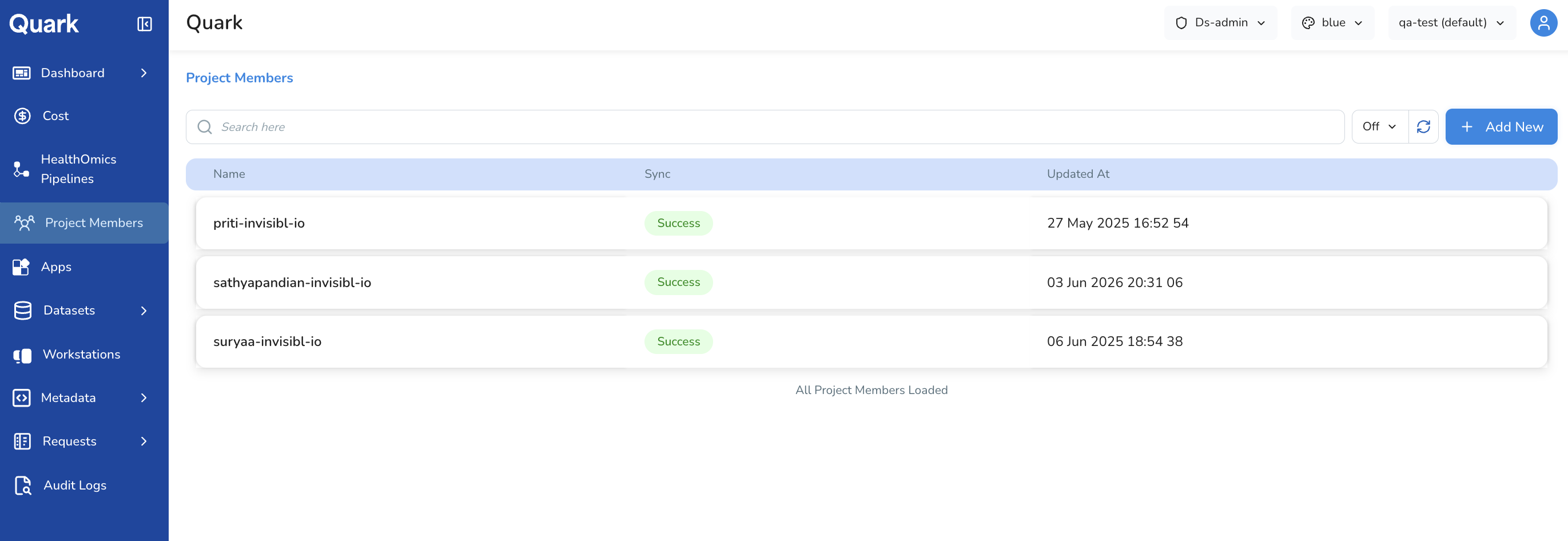
Selecting a Project
Project Members is scoped to a single project at a time. Before reviewing members, select the project you want to inspect using the project selector at the top of the screen.

The member list updates to reflect the users associated with the selected project.
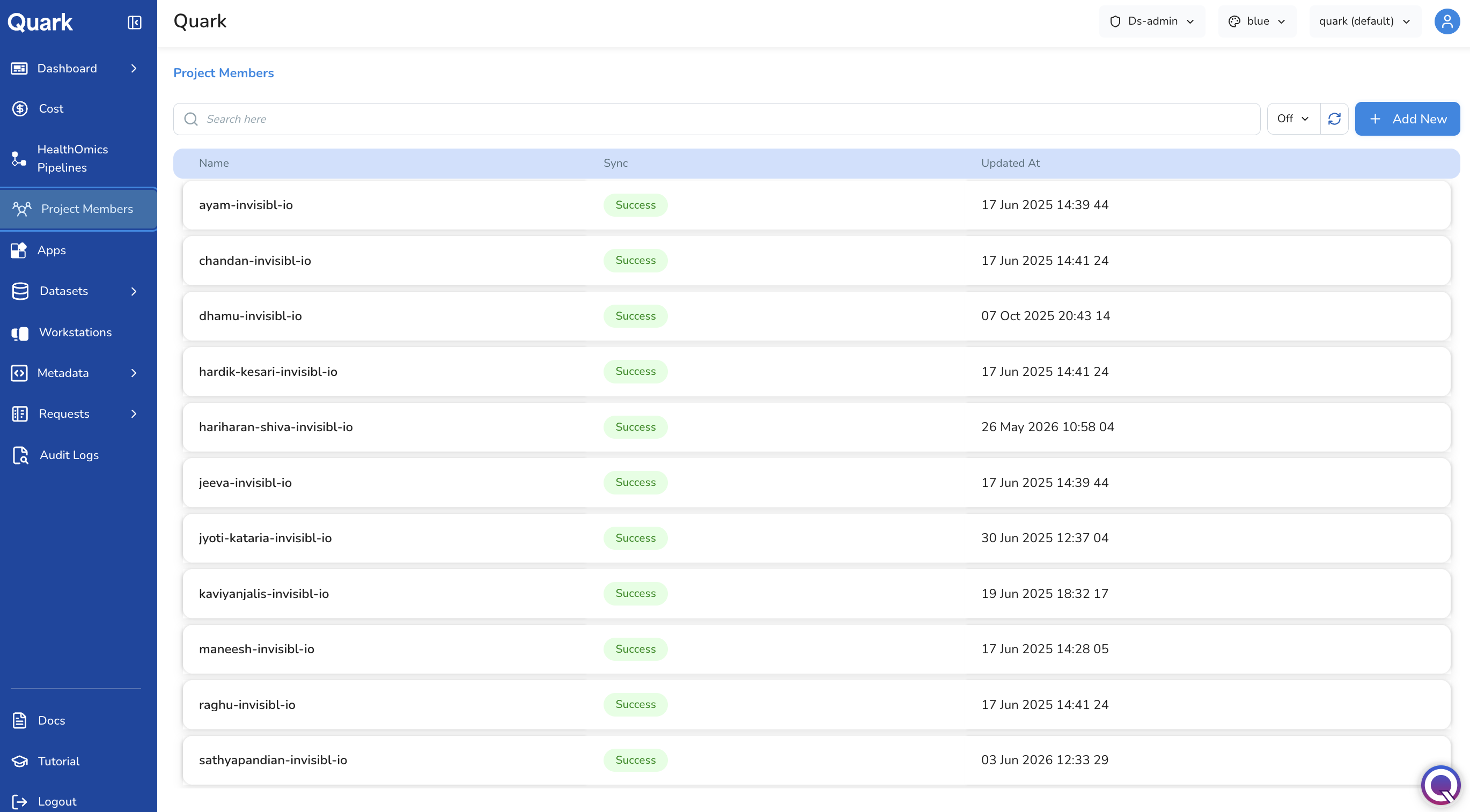
Viewing Project Members
Once a project is selected, the Project Members list displays all users associated with that project. Clicking on each row opens a side-panel containing:
| Column | Description |
|---|---|
| User Name | The display name of the project member. |
| Email / User ID | The user's email address or platform identifier. |
| Status | The current membership status of the user (e.g., Active, Pending, Suspended). |
| Project | The project to which the user belongs. |
Adding New Project Members
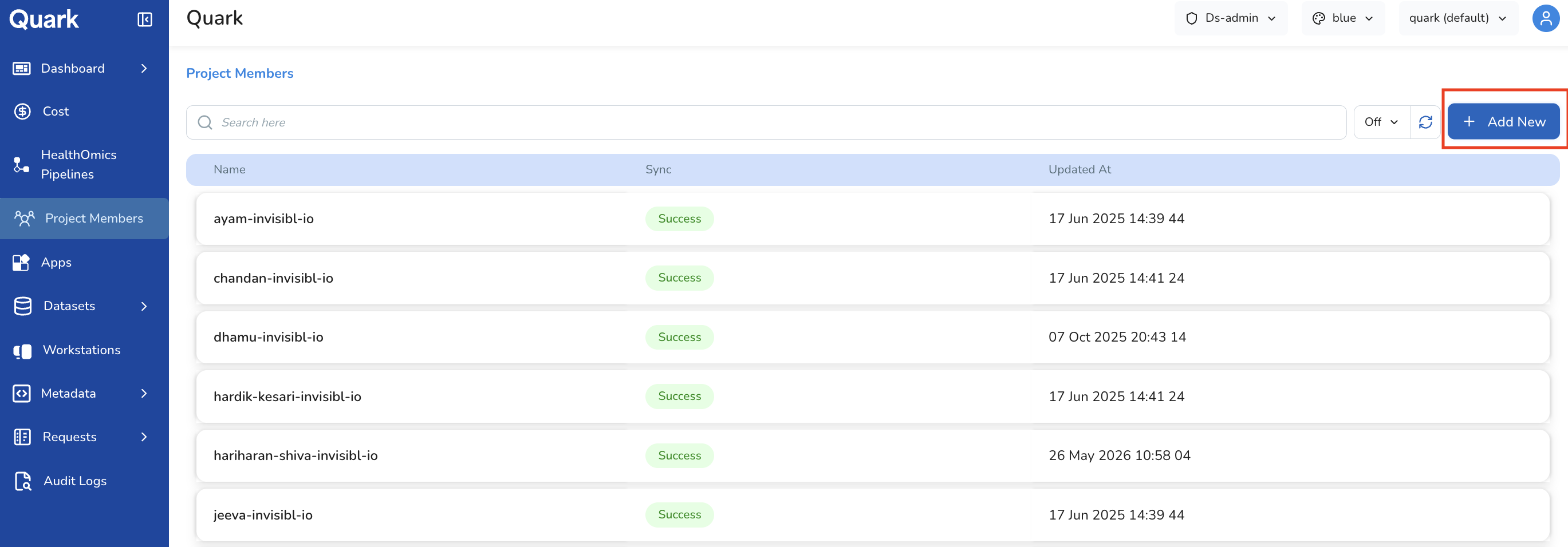
You can add users to the selected project by clicking the Add New button.
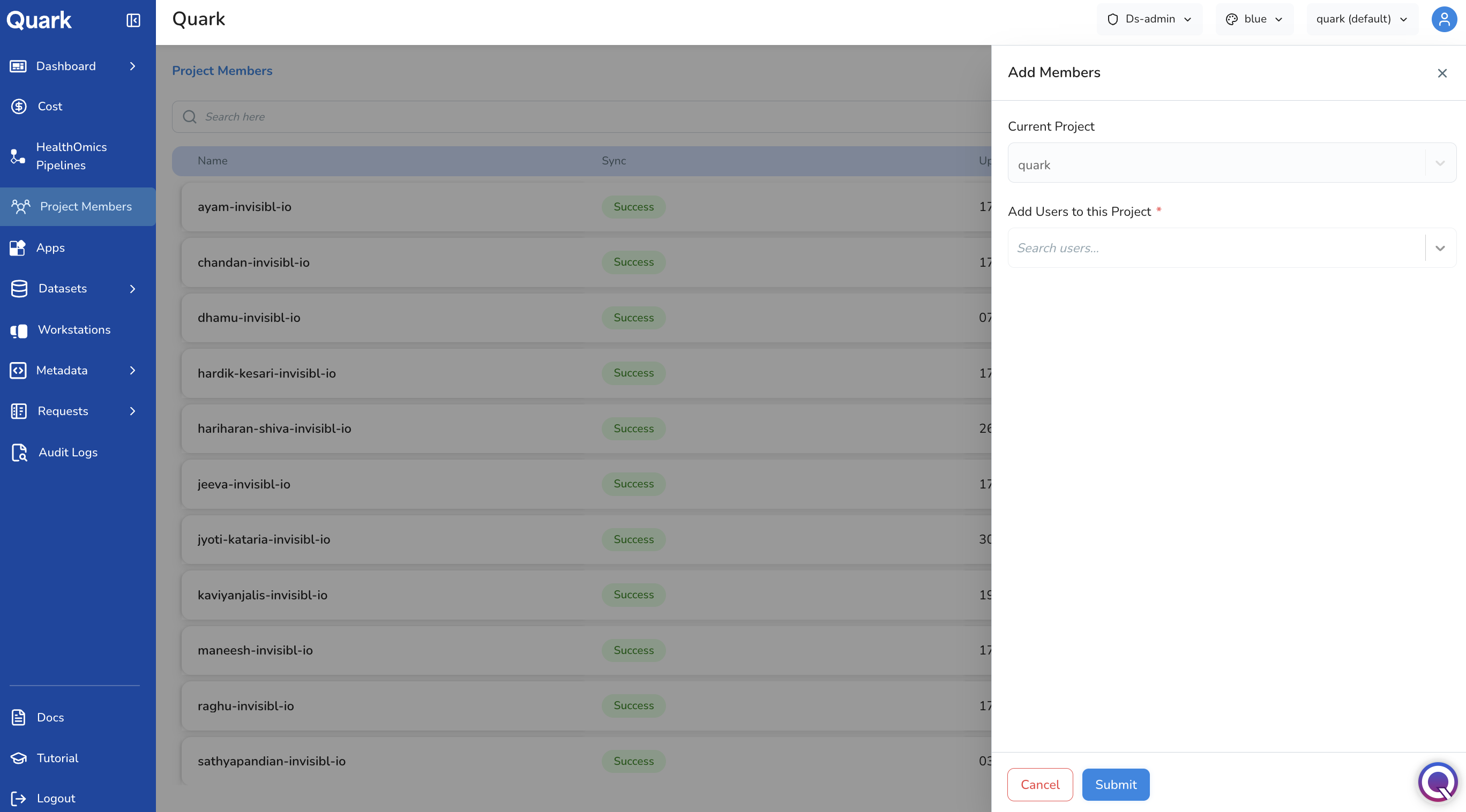
A side-panel opens, listing the Current Project. Under Add new users to the project, select the user you wish to add from the drop-down shown in the panel.
Searching for a User
Use the search field at the top of the member list to look up a specific user by name or email. This is particularly useful when:
- Verifying whether a specific user has access to a project.
- Checking when a user's status was last updated following a role change or access review.
- Auditing membership ahead of a project closure or data review.
What's Next
- Reviewing & Approving Requests — review pending user requests for data or workstation access within your projects.
- Project Audit Logs — if a user's status change looks unexpected, cross-reference with the audit log to see who made the change and when.
- Project Cost — filter the Cost dashboard by user to review the resource consumption of specific project members.