Configuring Platform Controls
Overview
The Settings section is where you configure approval workflows and notification behavior for the entire platform. Platform controls can be reviewed and adjusted at any time as your governance needs evolve.
Settings in Quark's TRE are organized per area — each area of platform activity (pipelines, caches, budget, cohort access, downloads, metadata, projects) has its own approval and notification toggles. This gives you the flexibility to be strict about high-risk actions (downloads, cohort access) while leaving lower-risk actions (pipeline runs) automated.
Steps to Update a Setting
- Navigate to Settings in the left-hand Navigation Menu.
- Open the area you want to configure (Pipelines, Caches, Budget, Cohort Access, Downloads, Metadata, Projects).
- Toggle the relevant control on or off, or fill in the relevant parameter.
- Save.
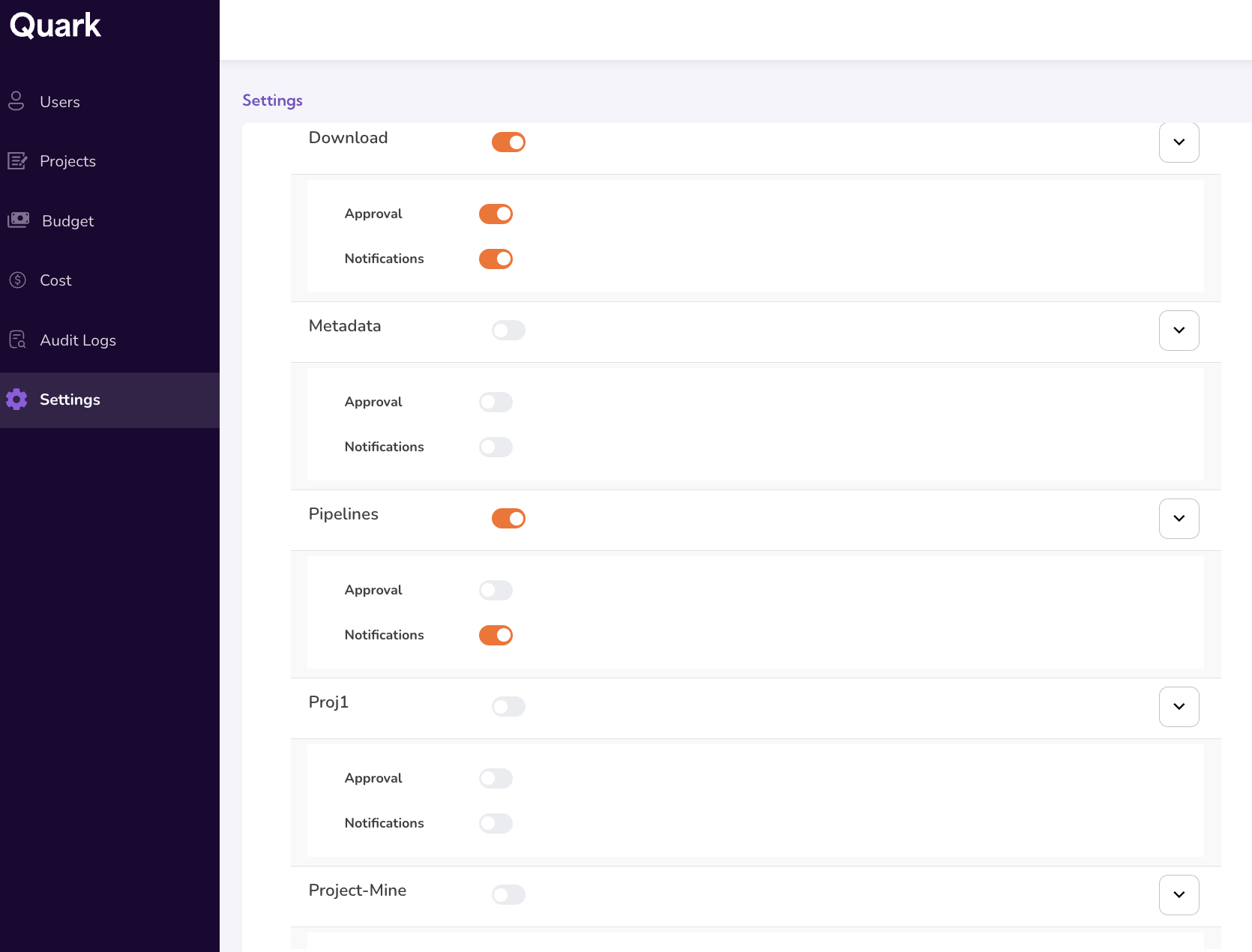
Configurations
Toggle between ON and OFF for the following:
- Approval Required — Whether actions require administrator approval before execution.
- Notifications — Whether the user (and administrator) receives a notification on approval, completion, or failure.
Configurable Areas
The following are some examples of configurable areas on the platform:
- Pipelines
- Caches
- Budgets
- Cohort Access Requests
- Download Requests
- Metadata Management
- Projects
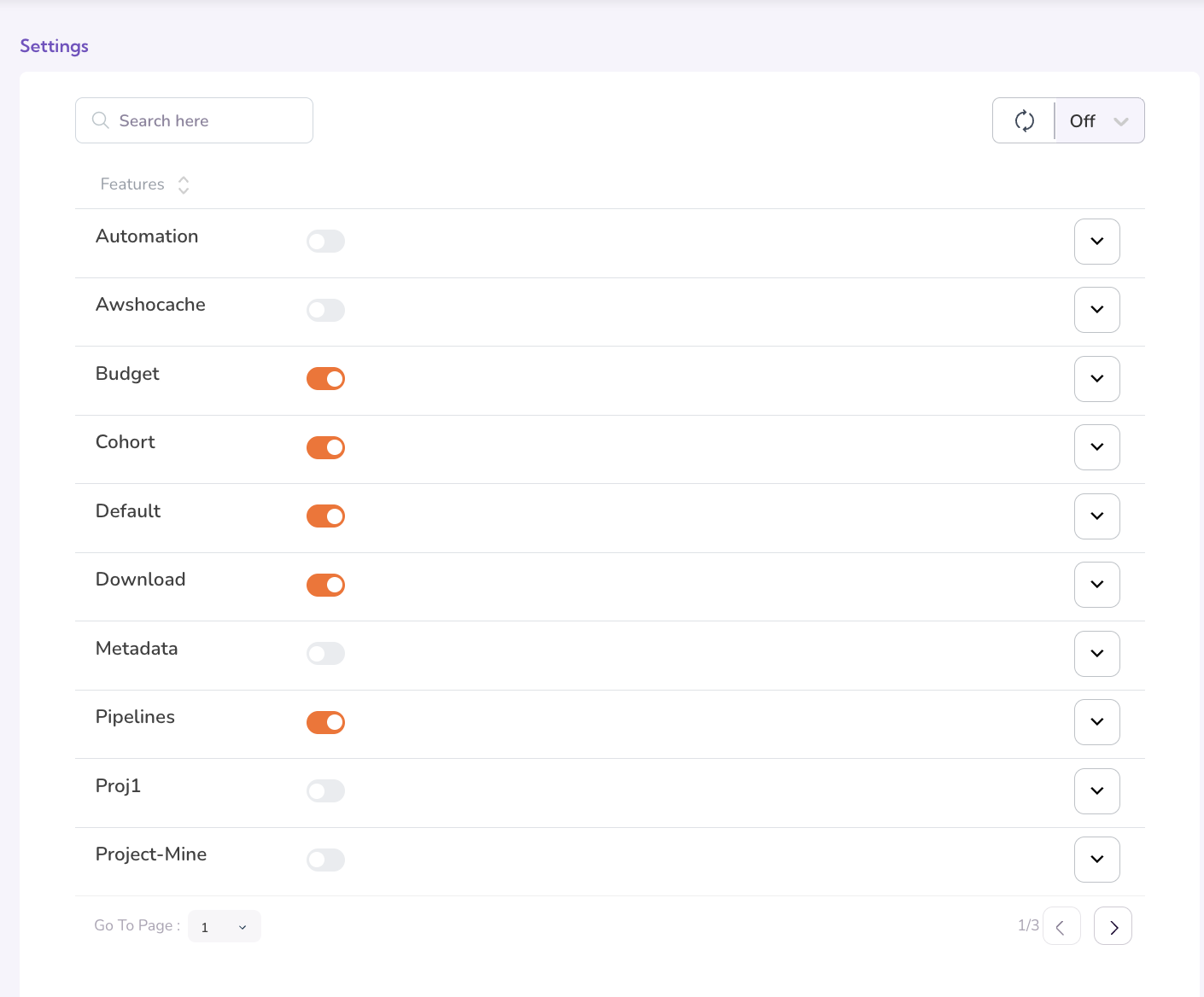
Recommended Starting Configuration
For a new TRE deployment, the following baseline is a suggested starting point, to be adjusted as the governance posture matures.
| Area | Approval | Notifications |
|---|---|---|
| Pipelines & Workflows | Off | On |
| Caches | Off | On |
| Budget | — | On |
| Cohort Access Requests | On (route to DAC) | On |
| Download Requests | On | On |
| Metadata Management | Required | — |
| Project Notifications | — | On |
Additional Notes
- Some approval workflows configured here route requests to the TRE Administrator's Requests dashboard. You can coordinate with the TRE Administrator before enabling new approval flows.
- Toggling a setting takes effect immediately for new actions.
What's Next
- Monitoring Platform Cost — Once controls are in place, monitor spending across projects, teams and users.
- TRE Administrator Guide — Coordinate with the TRE Administrator for incidents that span operational and administrative event types.