Navigating the Dashboard
The Dashboard is the home screen of Quark V3. It provides a personalised, at-a-glance view of your most-used resources — giving you fast access to your curated pipelines and workspaces without navigating through each module individually.
Audience: All users
Access: Select Dashboard from the left navigation pane
Overview
When you log in to Quark V3, the Dashboard is your starting point. It is designed to surface the resources you use most frequently so you can get straight to work.
Curated Pipelines
The Pipelines section of the Dashboard displays pipelines you have pinned or that the platform surfaces as relevant to your work. From here you can quickly navigate to a pipeline without going through the full Launchpad catalogue.
- Click on any pipeline card to open its details or proceed to a run
- To discover and run pipelines not shown on the Dashboard, navigate to Pipelines → Launchpad
Curated Workspaces
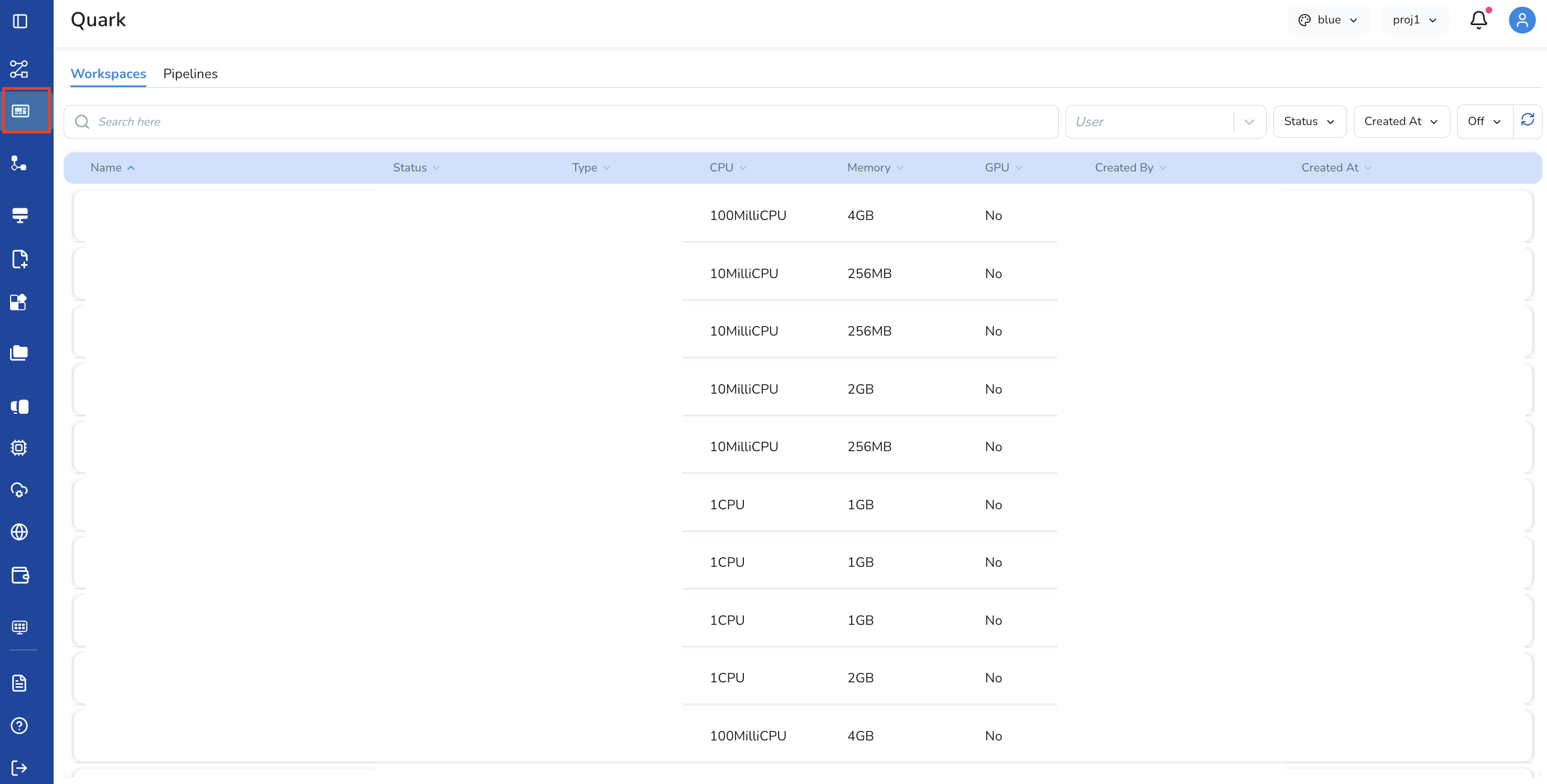
The Workspaces section of the Dashboard displays your existing workspaces, giving you a shortcut to connect and launch your JupyterLab environments without navigating to the Workspaces module.
- Click Connect on a workspace card to begin provisioning
- Once connected, click Run to open JupyterLab
Tips
- The Dashboard is personalised — what you see may differ from other users on the same platform, depending on which pipelines and workspaces are relevant to your work
- Use the Dashboard as a quick launch surface for your regular workflows, and navigate to individual modules (Pipelines, Workspaces, My Files, etc.) for full management capabilities