Navigating Quark V3
This page explains how to access and get started with Quark V3.
Logging In
Steps:
- Access the Quark URL (provided by your administrator)
- Click Quark V3
- Authenticate using your corporate credentials
- On successful login, you will land on the Quark home screen
Navigating the Quark Interface
Once logged in, the main Quark interface consists of the following areas:
Navigator Pane (Left Sidebar)
The Navigator pane is the primary way to move between Quark's modules. Key sections include:
| Section | Description |
|---|---|
| Pipelines | Access the Dashboard, Runs, Launchpad, and My Pipelines |
| Dashboard | Access a user curated dashboard for Workspaces and Pipelines |
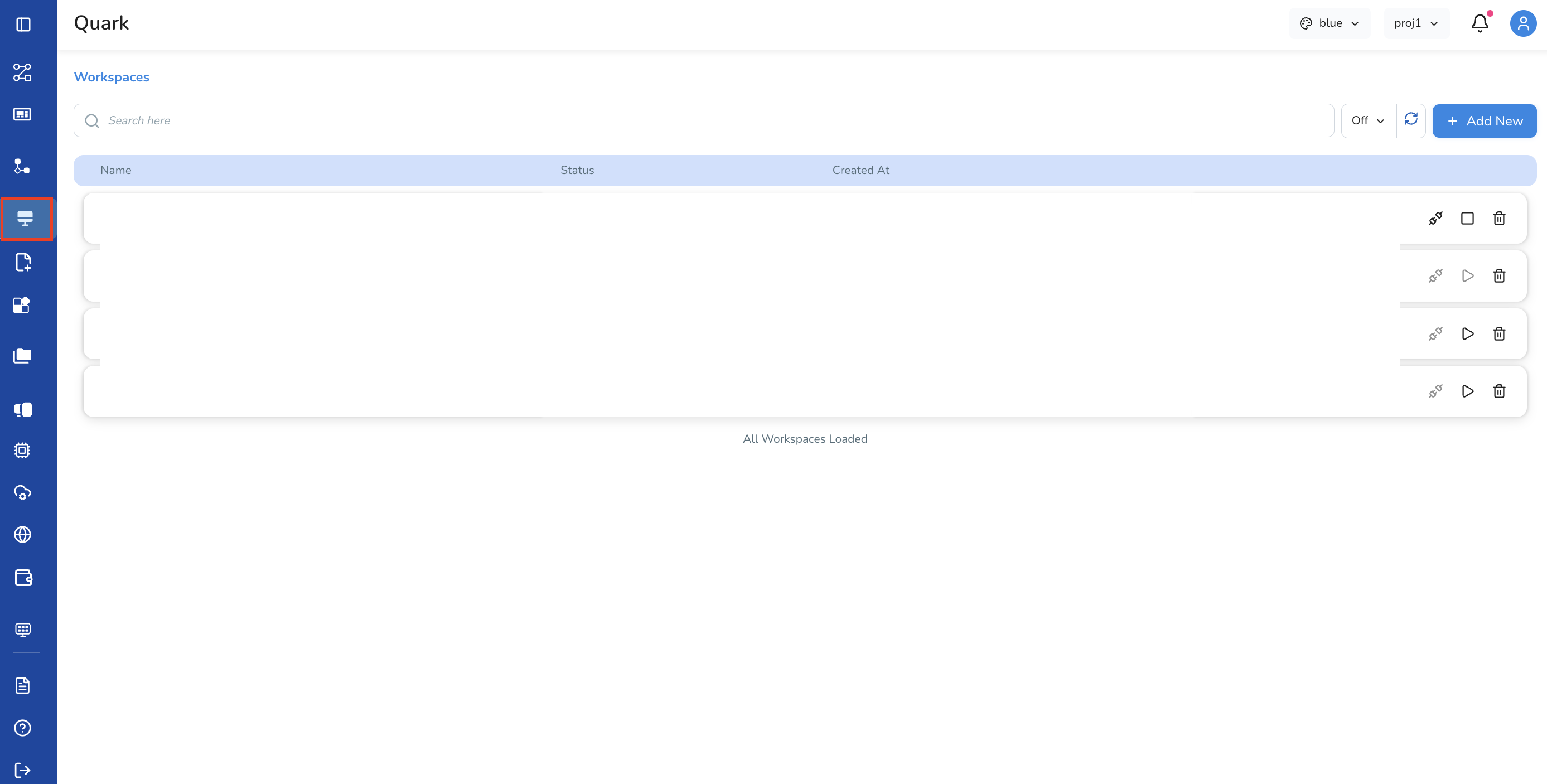
| Workspaces | Create, define and customise different workspaces for your projects |
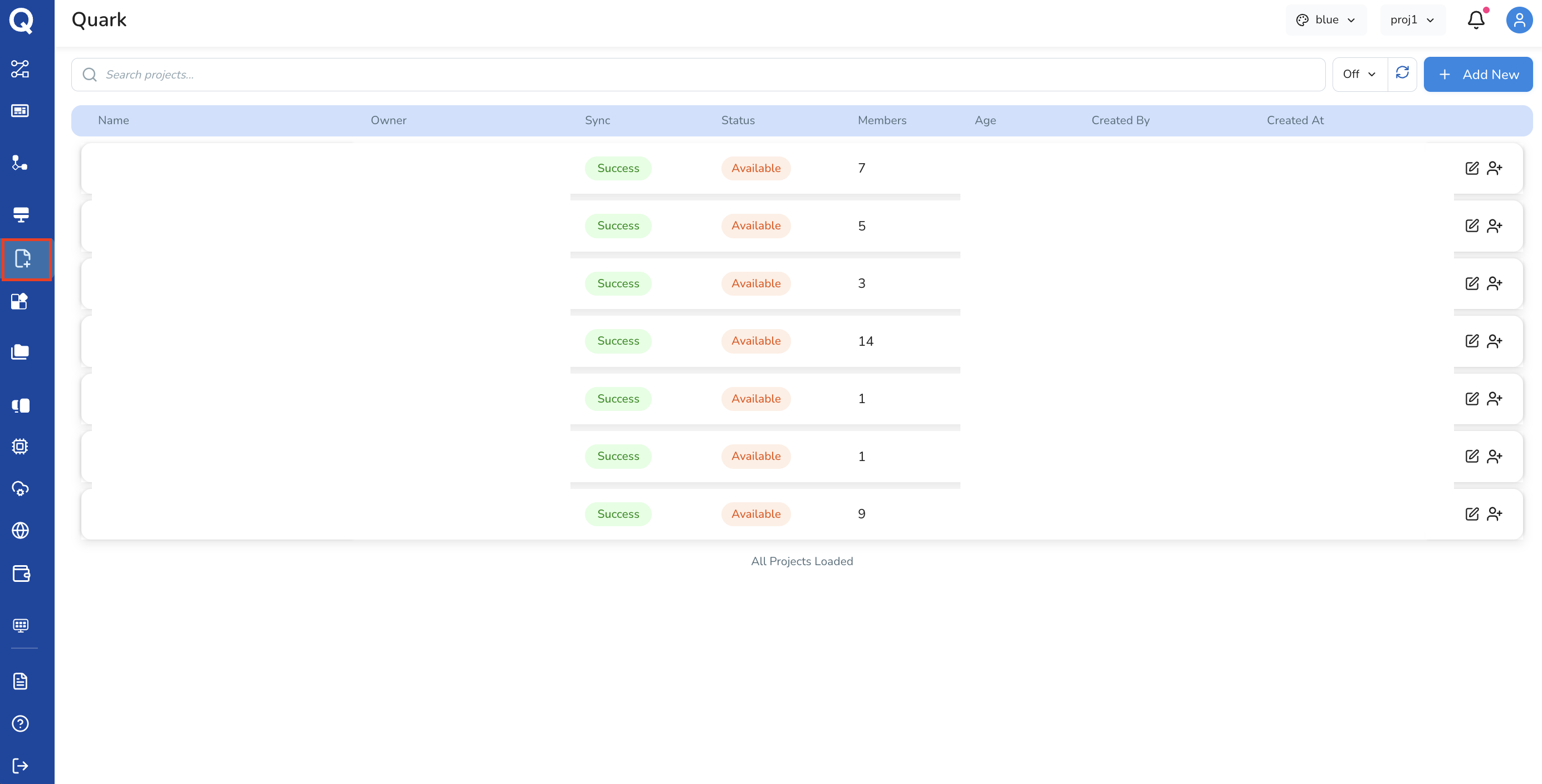
| Projects | View, create and add members to your organisational projects |
| My Files | Upload, organise, and manage your data files |
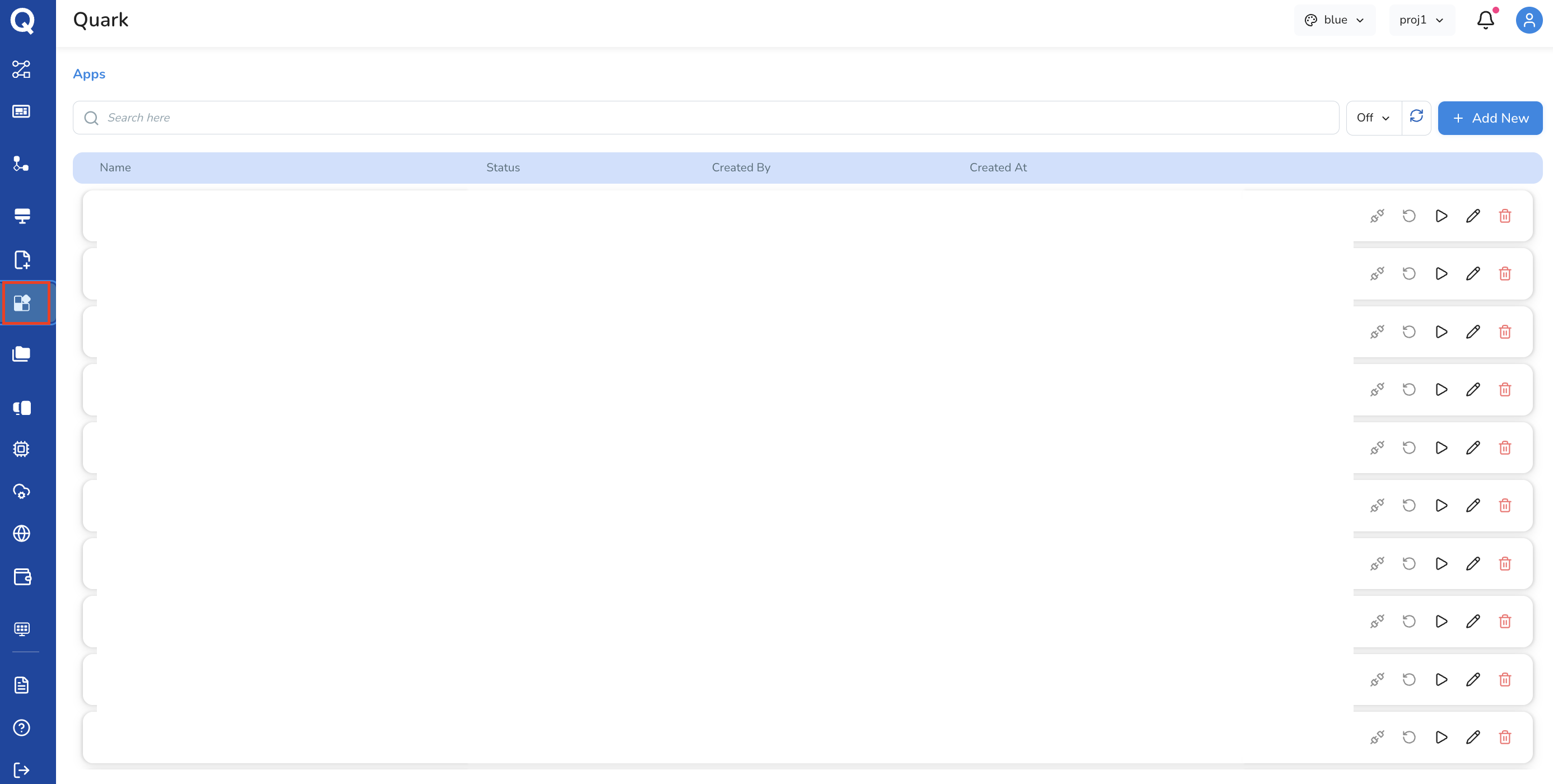
| Apps | Add and customise visualisation apps (such as Mol*) for your pipeline runs |
Pipelines
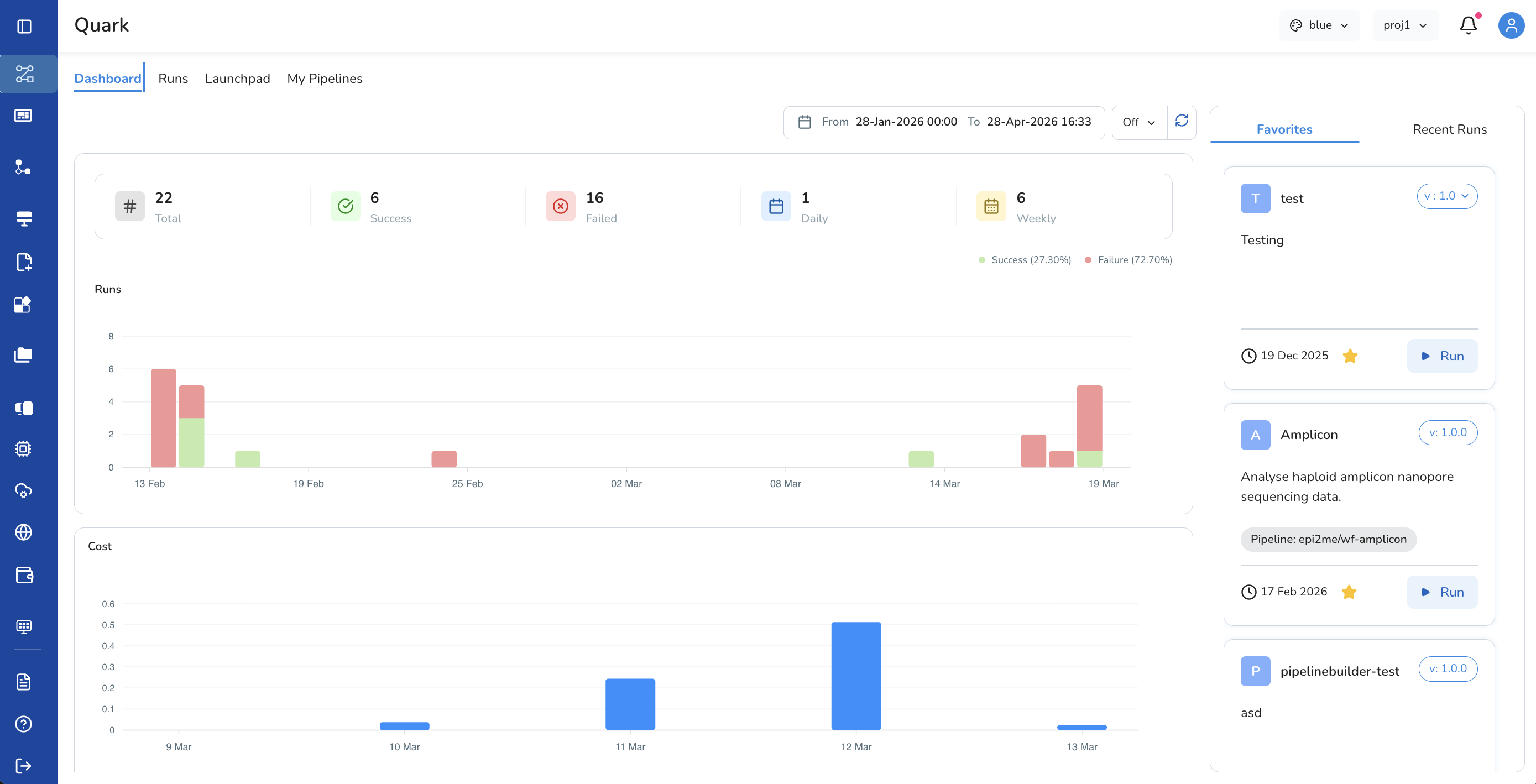
The primary module for discovering and executing scientific workflows. It contains four sections:
- Dashboard — a status summary of all pipeline runs for the current calendar month
- Runs — full run history, searchable and filterable by name, status, and time
- Launchpad — a curated catalogue of ready-to-run pipelines across ten scientific categories (see below)
- My Pipelines — where bioinformaticians import, build, version, and publish their own pipelines
Dashboard
The home Dashboard provides a personalised overview of the platform — displaying user-curated pipelines and workspaces for quick access to frequently used resources.
HealthOmics Pipelines
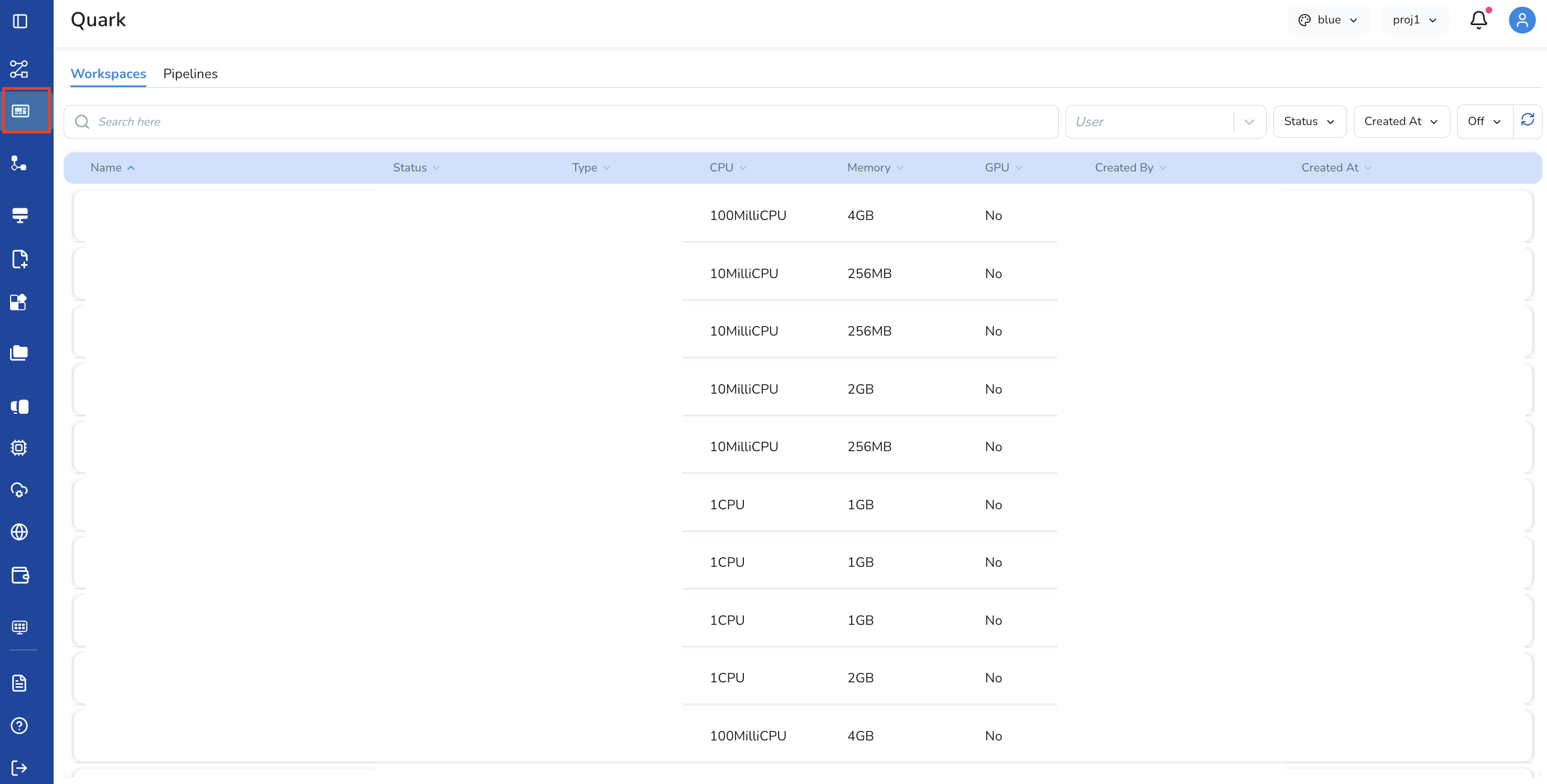
Quark V3 integrates natively with AWS HealthOmics, offering two workflow types:
- AWS HealthOmics Private Workflow — run your organisation's own private workflows within a secure HealthOmics environment
- AWS HealthOmics Ready2Run Workflow — launch pre-validated, production-ready genomics workflows directly from AWS
Workspaces
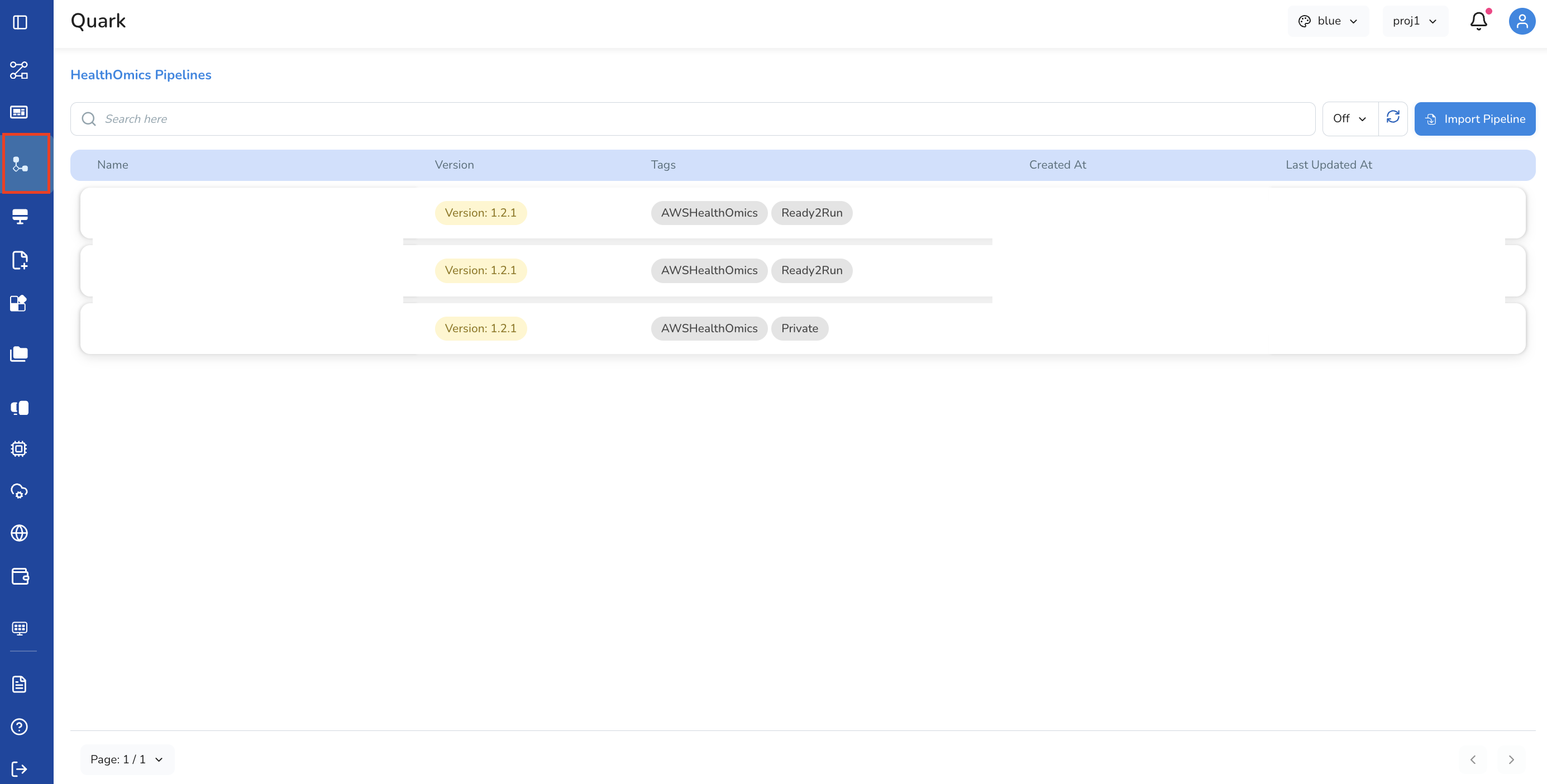
Workspaces give bioinformaticians a fully configurable compute environment with an IDE purpose-built for writing, testing, and running analysis code directly within Quark.
Workspaces eliminate the need to configure local environments or manage compute infrastructure manually.
Projects
Projects are the organisational unit for grouping pipelines, workspaces, data, and team members in Quark V3.
Apps
The Apps module allows users to add and customise visualisation applications for interpreting pipeline outputs.
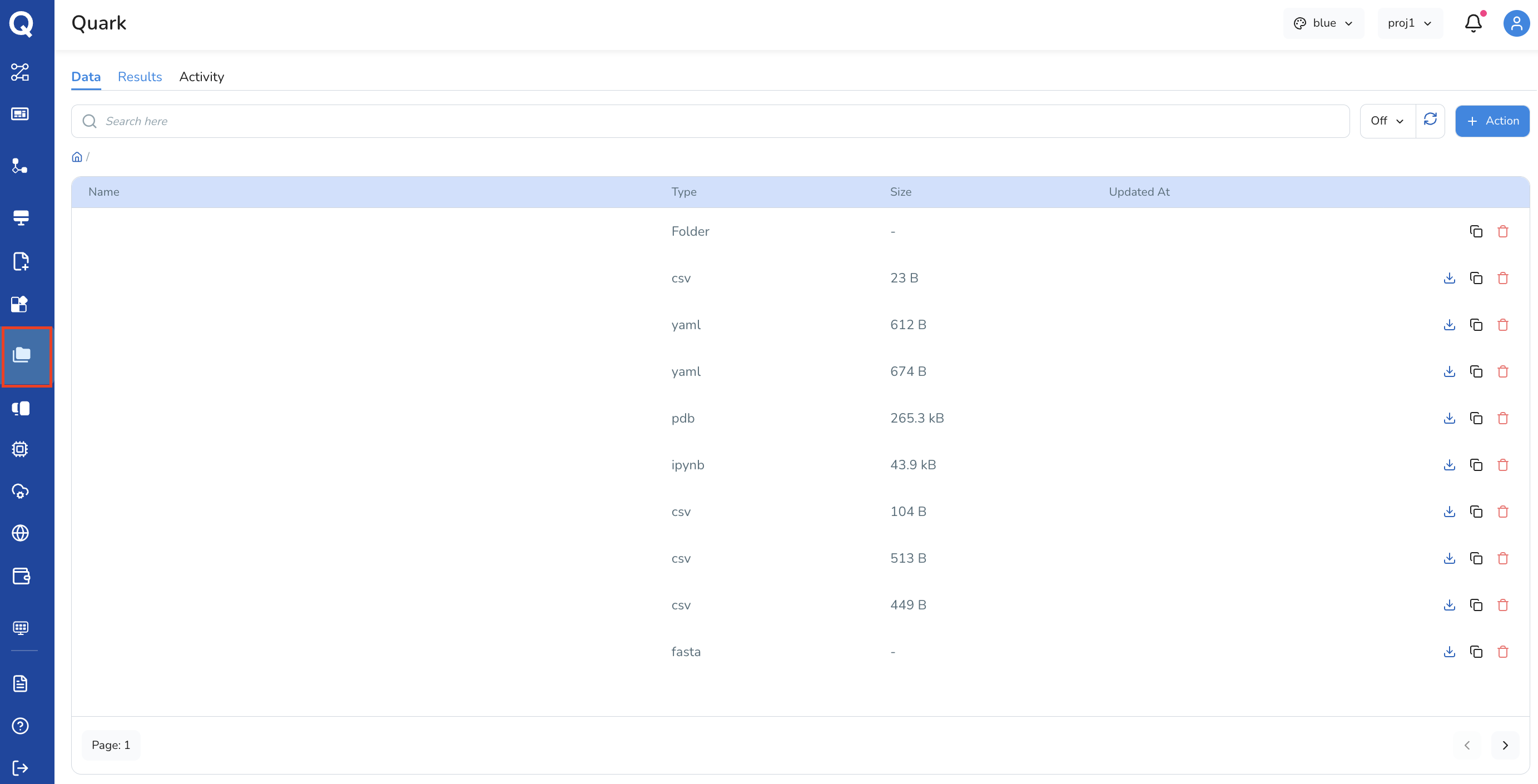
My Files
My Files is the central file management area, organised into three tabs:
- Data — input files and datasets available for pipeline runs
- Results — outputs and artefacts from completed pipeline runs
- Activity — a log of file-level actions and events